
Latest Version
Minham Samuel
Entertainment
Mac
Free
6463126936
Report a Problem
More About App for YouTube
The Challenge of Modern Web Distractions
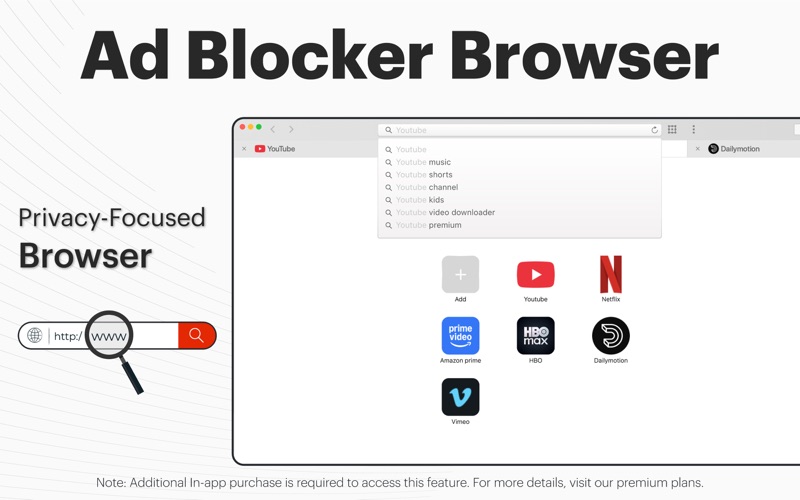
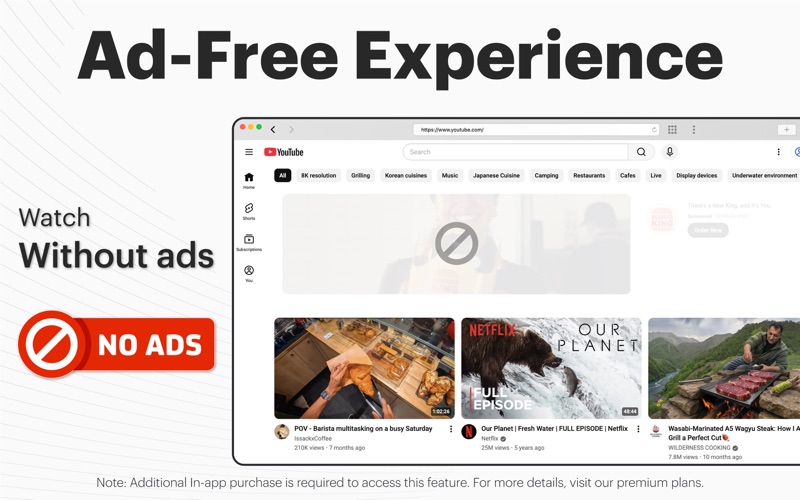
Whether you are trying to study, work on creative projects, or simply unwind, digital ads can instantly break your focus. Pop-ups, auto-playing video promotions, and intrusive banners do more than just clutter your screen—they consume precious system resources and slow down your overall browsing experience. App for YouTube ad blocker by developer Minham Samuel offers Mac users a sophisticated solution to reclaim their screen real estate and streamline their multitasking workflows.
Key Features of App for YouTube ad blocker
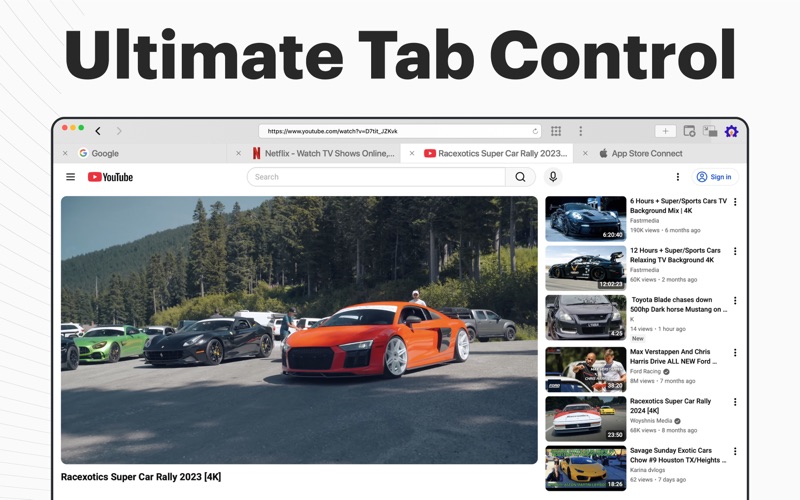
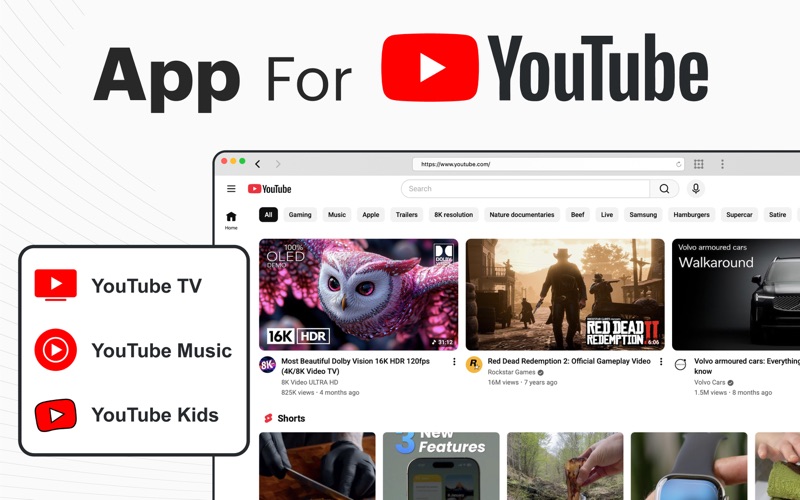
This utility is much more than a standard ad-blocking extension; it functions as a specialized, independent browser environment tailored for productivity and media consumption. Here is what makes it stand out:
- Advanced Ad-Filtering: Effortlessly targets and suppresses video ads, banners, and pop-ups so you can focus entirely on your content.
- Floating Picture-in-Picture Mode: Keep your video streams visible in a floating window that stays on top of other applications, bypassing the traditional limitations found in standard browsers.
- Adjustable Window Transparency: Fine-tune the opacity and brightness of your viewing window to monitor background tasks, stock tickers, or social feeds without losing focus on your primary workspace.
- Integrated Display Controls: Quickly adjust contrast, saturation, and brightness directly within the application interface for a customized viewing experience.
Who Is This Mac Utility For?
The App for YouTube ad blocker is highly recommended for professionals, students, and multitaskers who need to keep reference videos or entertainment open while working in demanding software suites like Photoshop or coding environments. By offering an independent, floating browser window with custom visual settings, it bridges the gap between productivity and entertainment seamlessly.
Subscription Options
To fit different user needs, the developer offers flexible premium plans including weekly, monthly, yearly, and lifetime options. A complimentary three-day trial is also available for the monthly plan, allowing you to test the full suite of ad-blocking and multitasking features on your Mac before committing.
Get Started on the Mac App Store
If you are ready to elevate your desktop multitasking and enjoy uninterrupted video playback, check out the official listing on the Mac App Store to learn more about its installation requirements and user feedback.
Rate the App
User Reviews
Other Apps in This Category



Popular Apps










Editor's Choice